
Navigation starts simple.
A few screens, a few Navigator.push() calls, and everything seems manageable. But as your Flutter application grows, navigation often becomes one of the most difficult parts of the codebase.
You start encountering:
- Hardcoded route names
- Deep linking challenges
- Authentication guards scattered everywhere
- Duplicate navigation logic
- Complex nested navigation
- Difficult web URL handling
This is exactly why many modern Flutter teams have moved to go_router, the routing solution recommended by Flutter for applications with advanced navigation requirements. (Dokumentasi Flutter)
Why Traditional Navigation Becomes Messy
Flutter’s original Navigator API works well for smaller applications:
Navigator.push(
  context,
  MaterialPageRoute(
    builder: (_) => const ProfileScreen(),
  ),
);The problem appears when applications grow to dozens or hundreds of screens.
Suddenly developers need to manage:
- Authentication redirects
- Role-based navigation
- Web browser URLs
- Deep links
- Nested navigation
- Persistent layouts
The result is often a routing system spread across the entire project.
What Makes go_router Different?
go_router is built on top of Flutter’s Router API and provides a declarative, URL-based navigation system. Instead of manually pushing screens everywhere, you define your routes in a central location.
Example:
final router = GoRouter(
  routes: [
    GoRoute(
      path: '/',
      builder: (context, state) => HomeScreen(),
    ),
    GoRoute(
      path: '/settings',
      builder: (context, state) => SettingsScreen(),
    ),
  ],
);Navigation becomes:
context.go('/settings');or
context.push('/settings');instead of manually constructing routes.
Key Benefits of go_router
1. Centralized Route Management
All routes are defined in one place.
This makes it much easier to:
- Understand application structure
- Add new screens
- Refactor navigation flows
- Review route permissions
As projects scale, centralized routing dramatically improves maintainability.
2. Deep Linking Support
Modern applications need deep linking.
Examples:
/product/123
/users/john
/orders/567go_router handles URL parsing and route matching out of the box. This is especially important for Flutter Web and desktop applications. (Dart packages)
3. Authentication Guards
Protecting routes becomes straightforward.
redirect: (context, state) {
  if (!isLoggedIn) {
    return '/login';
  }
  return null;
}Instead of checking authentication inside every screen, you manage it at the router level.
4. Nested Navigation
Applications with:
- Bottom navigation bars
- Dashboard layouts
- Side navigation menus
often require nested navigation stacks.
go_router provides ShellRoute, making these scenarios significantly easier to implement. \
5. Better Flutter Web Experience
Flutter’s documentation specifically recommends routing solutions like go_router for applications that require browser URL synchronization and proper back/forward button behavior.
This is critical for:
- SaaS platforms
- Admin panels
- Dashboards
- Internal business applications
How FlutKit Ademin Uses go_router
One of the challenges when purchasing a dashboard template is understanding how navigation is structured.
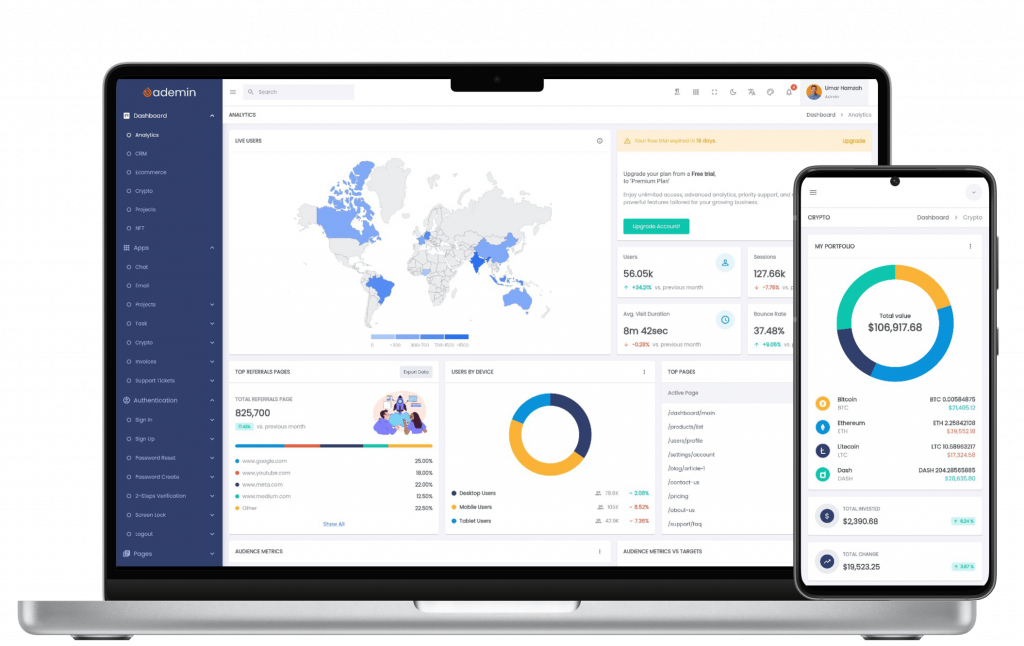
In FlutKit Ademin, navigation is already built around go_router, giving developers a scalable foundation from day one.
Benefits include:
Organized Route Structure
Screens can be registered centrally without scattering navigation code across the project.
Dashboard-Friendly Architecture
Admin panels often require:
- Sidebar navigation
- Nested menus
- Responsive layouts
- Desktop/Web URL support
go_router is particularly well-suited for these requirements.
Faster Screen Integration
Adding a new page is straightforward:
- Create the screen widget.
- Register the route.
- Add a navigation menu item.
FlutKit’s documentation already provides a guide for adding new screens into the navigation system:
Adding a New Screen in FlutKit Ademin
This means AI coding assistants such as ChatGPT, Claude, Cursor, or Gemini can modify existing screens instead of rebuilding navigation architecture from scratch.
Why go_router Matters More in 2026
The rise of AI-assisted development has changed how Flutter applications are built.
AI agents perform best when:
- Project structures are predictable
- Navigation is centralized
- Routes follow consistent patterns
- Screen hierarchies are easy to understand
A well-organized go_router setup gives AI agents a clear map of the application, making feature generation and screen modifications significantly more reliable.
This is one reason why many modern Flutter dashboard templates—including FlutKit Ademin—have adopted go_router as their primary navigation solution.
Conclusion
go_router solves many of the navigation problems that emerge as Flutter applications grow.
It provides:
- Declarative routing
- Deep linking
- Authentication guards
- Nested navigation
- Web URL support
- Centralized route management
For dashboard and admin applications, these capabilities become essential rather than optional.
If you’re building a Flutter admin panel, SaaS dashboard, CRM, ERP, or internal business application, starting with a go_router-based architecture can save significant development time and reduce future maintenance costs. And if you prefer not to build that architecture yourself, FlutKit Ademin Dashboard UI Kit already provide a production-ready implementation that you can extend with your own business logic and screens.